Speak to Strangers Online: When You Want to Talk, Not Type

TalknMeet TeamBy TalknMeet Team
February 16, 2026
14 min read
Speak to strangers online using anonymous voice chat on TalknMeet

Some people do not want another chat thread. They want to hear a voice answer back—to say a sentence out loud and feel it land. Speaking to strangers online is a different habit than typing: your pace, your breath, and the small pauses between words all carry meaning.

This guide is for that moment. Not a full tour of every stranger-chat platform, and not the psychology of why humans connect (we cover that elsewhere). Here we focus on what changes when you speak: the first ten seconds, when voice beats text, accent nerves, and talking quietly when someone is in the next room.

Never chatted with a stranger before? Do one text-first session using

how to talk to strangers online, then come back here when you are ready to unmute.

If you need the wider picture—text vs voice, 1v1 vs public rooms, no-registration chat—start with our guide on

chat with strangers online. For culture, safety, and platform context, see talk to strangers.

What “Speak to Strangers Online” Actually Means

Speaking to strangers online means using your voice in real time with someone you have never met—usually through a browser or app match, not a scheduled call with a friend. You are not building a feed or a follower count. You are having an oral conversation that can end when either person leaves.

That is different from chatting. Chat lets you edit, delete, and pause. Speaking does not. A laugh comes out wrong, you stumble on a word, you interrupt by accident—and that humanness is exactly why many people prefer voice once they try it.

Most calm platforms pair you one-to-one. If you want the mechanics of instant audio matching—skip, next person, unpredictable energy—read

random voice chat. If privacy and speaking without showing your face are the main draw, anonymous voice chat goes deeper on that angle.

The First Ten Seconds Out Loud

The hardest part is not the conversation—it is the moment the match connects and you realize you are live. Your mind races for an opener while the other person is already listening.

Low-pressure openers that work in practice:

  • “Hey—first time trying voice here. How’s your day going?”
  • “Hi. I’m [first name or nickname only]. What brought you on tonight?”
  • “Quick hello—I can talk for a few minutes if you’re up for it.”
  • Silence for two or three seconds is normal. Do not treat it as failure. Many matches fizzle in under a minute; that is the nature of stranger audio, not a verdict on you.

    If your throat tightens, say so lightly: “Give me a second—I’m warming up.” Honesty often relaxes the other person too. You are both strangers figuring out tone in real time.

    For conversation craft after the opener—turn-taking, listening, when a chat feels “real”—see

    voice chat with strangers.

    When Speaking Beats Typing

    Text is brilliant when you need control. Voice is better when you need presence.

  • You want tone to do the work—a joke, sympathy, or surprise lands faster by ear.
  • You are practicing a language out loud, not just reading it.
  • You are tired of performing in comments and DMs; speaking feels less permanent.
  • You process emotions by talking; typing loops the same thoughts.
  • A practical pattern: open in text on a platform that offers both, switch to voice when your hands stop shaking. The full text-vs-voice breakdown lives in

    voice chat vs text chat with strangers—this page stays focused on the speaking side.

    Accent Anxiety, Shyness, and Quiet-Room Calls

    A large share of people who search “speak to strangers online” are not bored—they are self-conscious. Accent, pronunciation, or simply being heard by a stranger can feel scarier than being read.

    If English is not your first language, say it once at the start: “I’m practicing—please tell me if you cannot understand me.” Most listeners adjust. Stranger calls are low-stakes practice; nobody grades you.

    Quiet-room reality: roommates, parents, thin walls. Use headphones, lower volume, and short sessions. Late-night whispering is common; you do not need a podcast voice. Platforms built for browser voice chat let you leave in one tap if noise outside your door spikes.

    Shyness is not a character flaw—it is often a signal that video or public rooms would feel worse. Voice-only, one-to-one matching removes the audience. You are not on stage; you are on a call.

    Is It Safe to Speak to Strangers Online?

    Speaking adds one risk text avoids: your voice is identifiable. Still, you control how much you reveal—no need to say your full name, city, workplace, or school.

    Choose one-to-one platforms with instant leave, no forced video, and no mandatory profile. If a call feels wrong, end it. You do not owe an explanation.

    For emotional boundaries and comfort scripts, read

    speak to strangers safely online. For risks, Omegle-era lessons, and platform design, see is talking to strangers online safe.

    Speak Without Camera or Profile Pressure

    Camera pressure is visual; speaking pressure is vocal. Both shrink when nobody can see you and nobody can scroll your history.

    If video is the main thing you want to avoid—not voice—our guide on

    talk to strangers without video explains why camera-free stranger chat grew after Omegle-style sites faded.

    Browser Voice Chat on TalknMeet

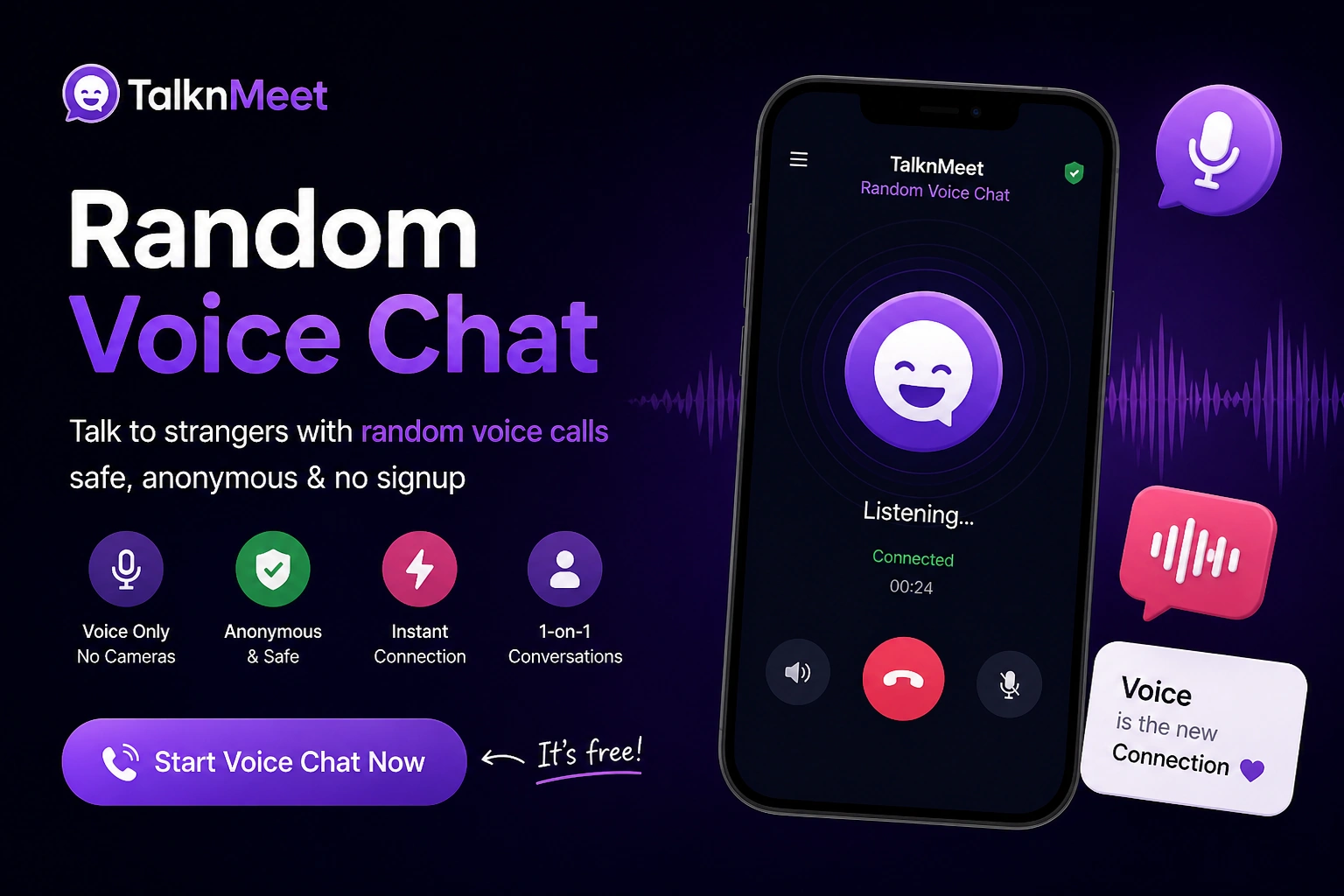
    TalknMeet is built for people who want to speak to strangers in the browser: one-to-one voice or text, no forced camera, no signup wall before the first match. You click connect, allow the microphone when prompted, and you are in a live conversation.

    That setup matters for speaking specifically—you are not installing a social app or curating a profile before you say hello. The homepage is the entry point for anonymous voice and text with strangers; this article is one path in when your search started with “speak,” not “chat.”

    Open

    TalknMeet when you are ready to try a short voice match. Start with one minute. See how your mouth feels when the audience is just one stranger who will never see your feed.

    FAQs About Speaking to Strangers Online

    Keep it short: greet, optional one-line context (“first voice chat tonight”), and an open question. Avoid monologues. Silence for a few seconds is normal—wait, then try again or leave politely.

    It feels harder at first because you cannot edit. Many people find it easier after a few calls because tone reduces misunderstanding. Platforms that offer text and voice let you warm up in typing before you speak.

    Yes. Stranger voice chat is common for language practice. Say early that you are learning; most callers adjust pace. Accent is part of how you sound—not a reason you cannot participate.

    Use headphones, speak softly, and keep sessions short. Pick one-to-one voice—not public rooms—so you are not projecting for a crowd. Leave instantly if you need to stop when someone walks in.

    Many browser platforms, including

    TalknMeet, let you start voice matching without an account. Fewer steps mean you are more likely to actually speak instead of abandoning at a signup form.

    Try One Short Voice Conversation

    You do not need a script or a perfect accent—just a minute of real speech. Open TalknMeet, allow your microphone, and say hello. If it feels off, leave and try again. Speaking to strangers online is a skill that gets lighter each time you start.